
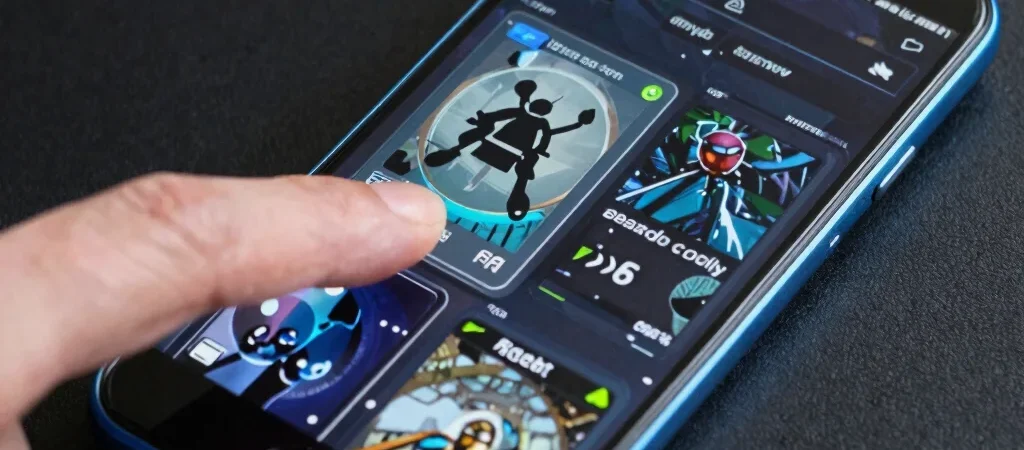
A new game catches your eye in a listing: vivid screenshots, a bold title, and a category you already like. Before you open the install page, find out what you’ll spend most of your time doing. That’s a more useful match than genre alone.
Find the repeating action
Read the overview for the game’s main loop: racing laps, solving short puzzles, building a team, or exploring an environment. These concrete actions give you a better sense of the play session than a string of mood-setting adjectives.
Think about when you’ll play, too. A game built around short rounds may suit brief breaks, while a story-led adventure may be a better fit when you have time to settle in.
Use features as decision points
Look for the features that would change your choice: single-player or multiplayer, offline availability, touch or controller support, and any stated progression systems. Don’t treat a feature as included unless the listing or another dependable source says so clearly.
Screenshots and trailers help with art style and interface, but they can’t answer every question about controls or pacing. Pair what you see with the written overview and app details for a more grounded impression.
Keep a second option nearby
If the game’s loop sounds close but not quite right, use its category and related games to find a nearby alternative. A puzzle fan might compare games by session length or mechanics; an action player might look for a different control style or pace.
The aim isn’t to pick the newest title by default. It’s to find a game whose everyday play, features, and compatibility line up with what you want from your next session.